
Topic · IT networking
IT networking for security systems
The network under CCTV, access control and BMS: PoE power, IP addressing, VLANs, bandwidth and cabling done properly.
How it fits together
Security systems now ride on IP networks, and most “camera” or “controller” faults on site are network faults: a PoE switch out of power budget, a duplicate IP address, a subnet mask typed wrongly, an uplink running full, or poor-quality cable.
Plan the network as carefully as the devices. Give each system its own VLAN and subnet with addresses written down, budget PoE power by class and by actual load, keep uplinks well under capacity, and use solid copper cable with the right category for the run.
What to check first
Budget PoE two ways
Check the switch budget against the class each device announces and against its datasheet maximum draw. A design should pass both, with headroom.
Plan addresses before install
Allocate a subnet per system or block with room to grow, and record every static IP. Duplicate addresses cause intermittent faults that are hard to trace.
Keep uplinks below 70 %
Video is continuous. An uplink near capacity drops frames during playback, exports and bursts. Split cameras across uplinks or use faster links.
Use solid copper cable
Copper-clad aluminium (CCA) cable has higher resistance than solid copper: PoE devices brown out and links fail at length. Specify and check solid copper Cat6.
Free · runs in your browser
Calculators and labs
Power budgeting
Check a PoE switch budget by class and by actual load, plus battery backup.
IP subnet planner
Work out subnets and carve camera VLANs out of an address block.
Camera bitrate & bandwidth
Total camera streams against an uplink.
CCTV network builder
Build a small camera network and check every switch.
Labs are simulations and planning estimates, not real hardware. Check datasheets, the site and the applicable standard before you buy or install.
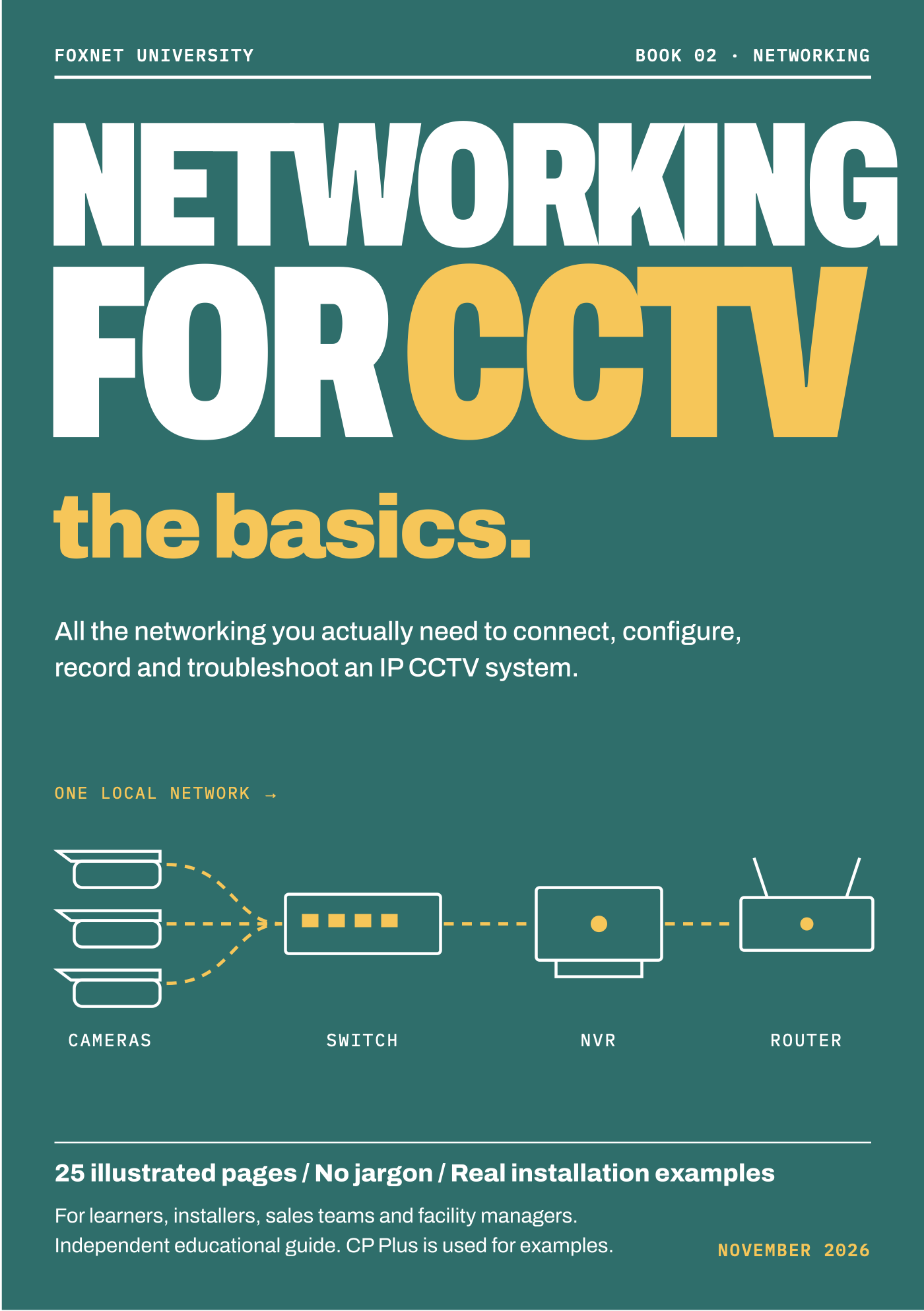
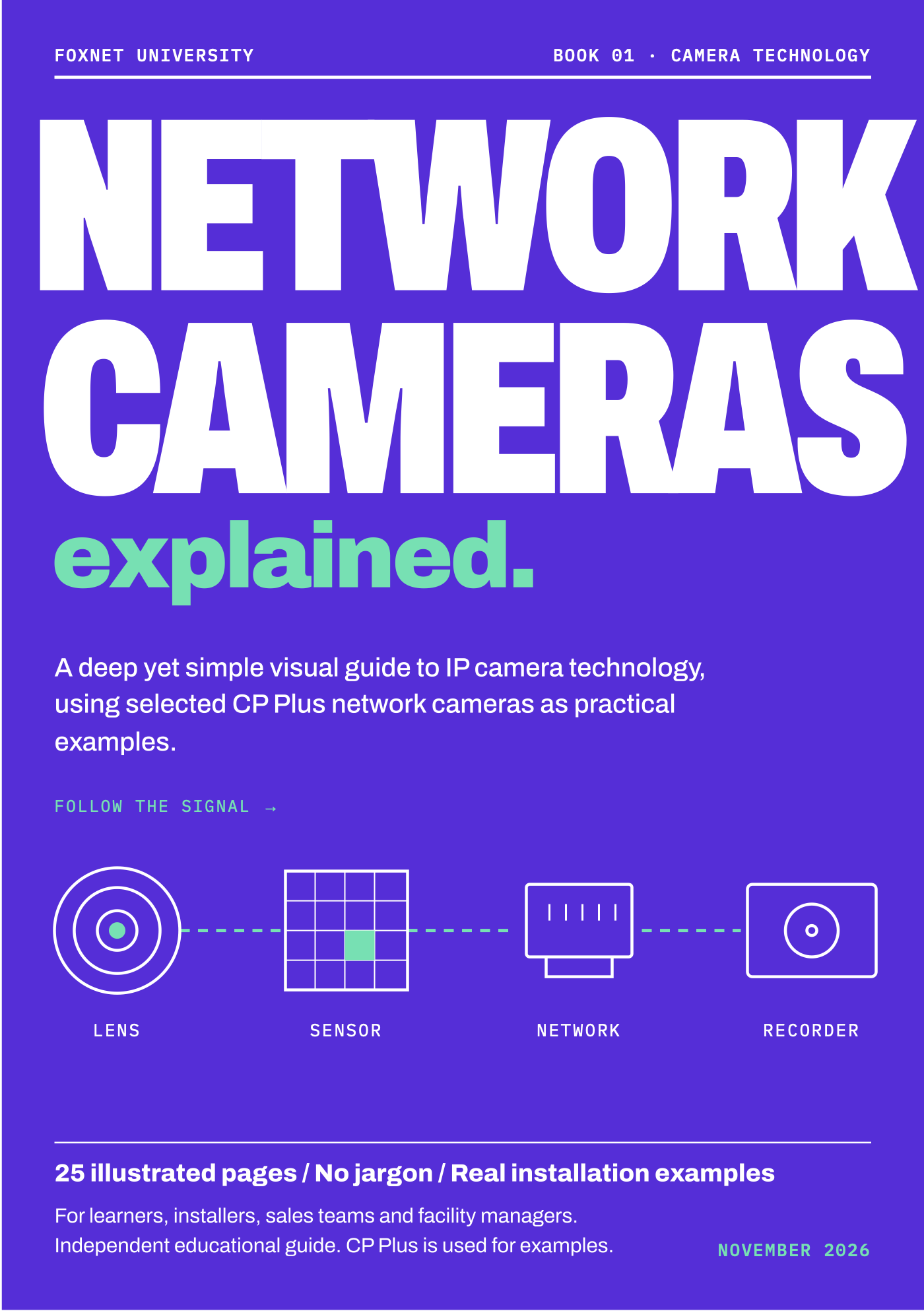
Training and engineer support
Get help from Foxnet
Get trained
Foxnet-led networking sessions for security teams: IP addressing, VLANs, PoE and switch configuration for CCTV and access control.
Book an engineer
A Foxnet engineer can review a network design, switch configuration or PoE budget with you remotely, or trace faults on site.
Ask an engineer
Send a question with photos or logs and get a written answer from a Foxnet engineer, or a short call.
Foxnet-led training is delivered by Foxnet engineers. It is not official OEM-authorised training and does not lead to a manufacturer certification.
Foxnet Securitas
Need the work done?
Foxnet designs, installs and maintains these systems for sites across India.
- IT infrastructure and structured cablingCat6/Cat6A and fibre cabling, racks, switching and server rooms.
- CCTV and surveillance installationSurvey, design, installation and AMC for IP video systems.
Other topics
CCTV and video surveillance
Practical guides for IP cameras, NVRs and VMS: fault-finding steps that work on site, and the arithmetic behind storage and bandwidth.
Access control
Doors, readers, controllers and locks: how they talk to each other, and how to find which link has failed.
WIN-PAK access control
Practical help for engineers and administrators looking after WIN-PAK sites: communication, controllers and the database that ties them together.
Fire alarm systems
How fire detection and alarm systems are put together, what the panel is telling you, and what a facility team’s job is — and is not.
Building management systems (BMS)
How a BMS talks to chillers, air handlers, pumps and meters, and how to find out why a point has stopped updating.
Public address and voice alarm
Paging, background music and evacuation messages: how PA and voice alarm systems are built, and where the life-safety line is drawn.
Talk to an engineer
Not sure which service fits?
Tell us what you are working on. A Foxnet engineer will point you to the right session, book or request — or tell you honestly if you do not need one.