
Topic · CCTV
CCTV and video surveillance
Practical guides for IP cameras, NVRs and VMS: fault-finding steps that work on site, and the arithmetic behind storage and bandwidth.
How it fits together
An IP CCTV system is a small IT network with a job to do: cameras encode video, switches carry it, a recorder writes it to disk and a client shows it. Most site problems sit at one of those hand-offs, so the fastest fault-finding follows the video from the lens to the disk.
Live view and recording are separate paths. A camera can look perfect on the monitor (often using its low-resolution sub-stream) while the recorder fails to write the main stream to disk. That is why “camera online” is not proof that evidence is being kept.
Free to read
Guides
IP camera online but not recording: a step-by-step check
A camera shows live video but playback is empty or has gaps. Check disks, schedules, streams, time, bandwidth and the network in the right order, with what to record before you change anything.
CCTV storage calculation, with a worked example
How to calculate NVR storage from cameras, bitrate, hours and retention days, with a fully worked example for a 20-camera site, RAID choices and why the recorder shows less than the label.
What to check first
Check playback, not just live view
Once a week, play back a few minutes from every camera for the previous night. Gaps show up here long before an incident does.
Know your real bitrate
Read the average bitrate per camera from the recorder over a full day and night. Night-time noise and busy scenes raise it; storage plans built on brochure figures run short.
Watch disk health
A disk in an error, read-only or uninitialised state stops recording on every camera assigned to it. Check the recorder’s disk page during every visit.
Keep time right
Point cameras and recorders at the same NTP server and set the time zone to IST (UTC+05:30). Wrong time hides footage and weakens it as evidence.
Free · runs in your browser
Calculators and labs
NVR storage sizing
Size recorder disks from cameras, bitrate, hours and retention, with RAID.
Camera bitrate & bandwidth
Estimate stream bitrate from resolution, frame rate, codec and scene.
CCTV network builder
Place cameras on PoE switches and check ports and power budgets.
Labs are simulations and planning estimates, not real hardware. Check datasheets, the site and the applicable standard before you buy or install.
From the library · paid
Books on CCTV
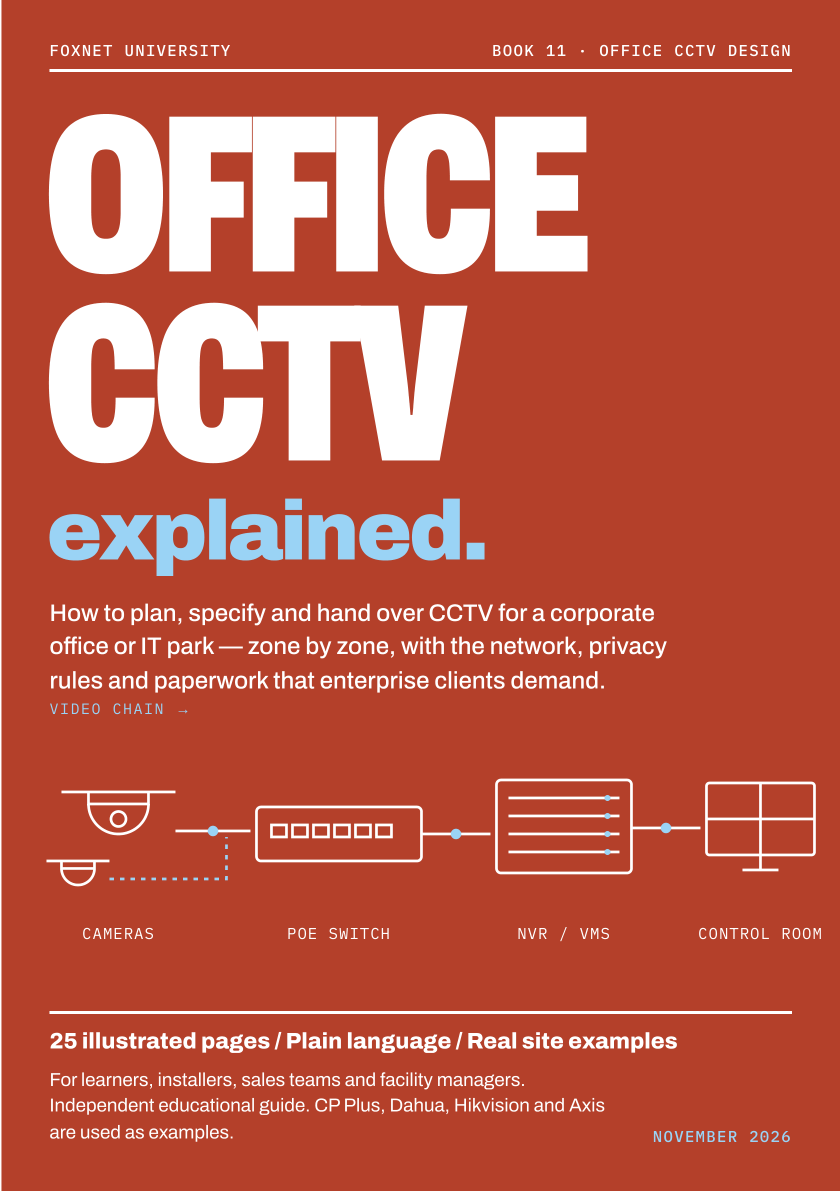
Office CCTV Explained
How to plan, specify and hand over CCTV for a corporate office or IT park, zone by zone, with the network, privacy rules and paperwork enterprise clients demand
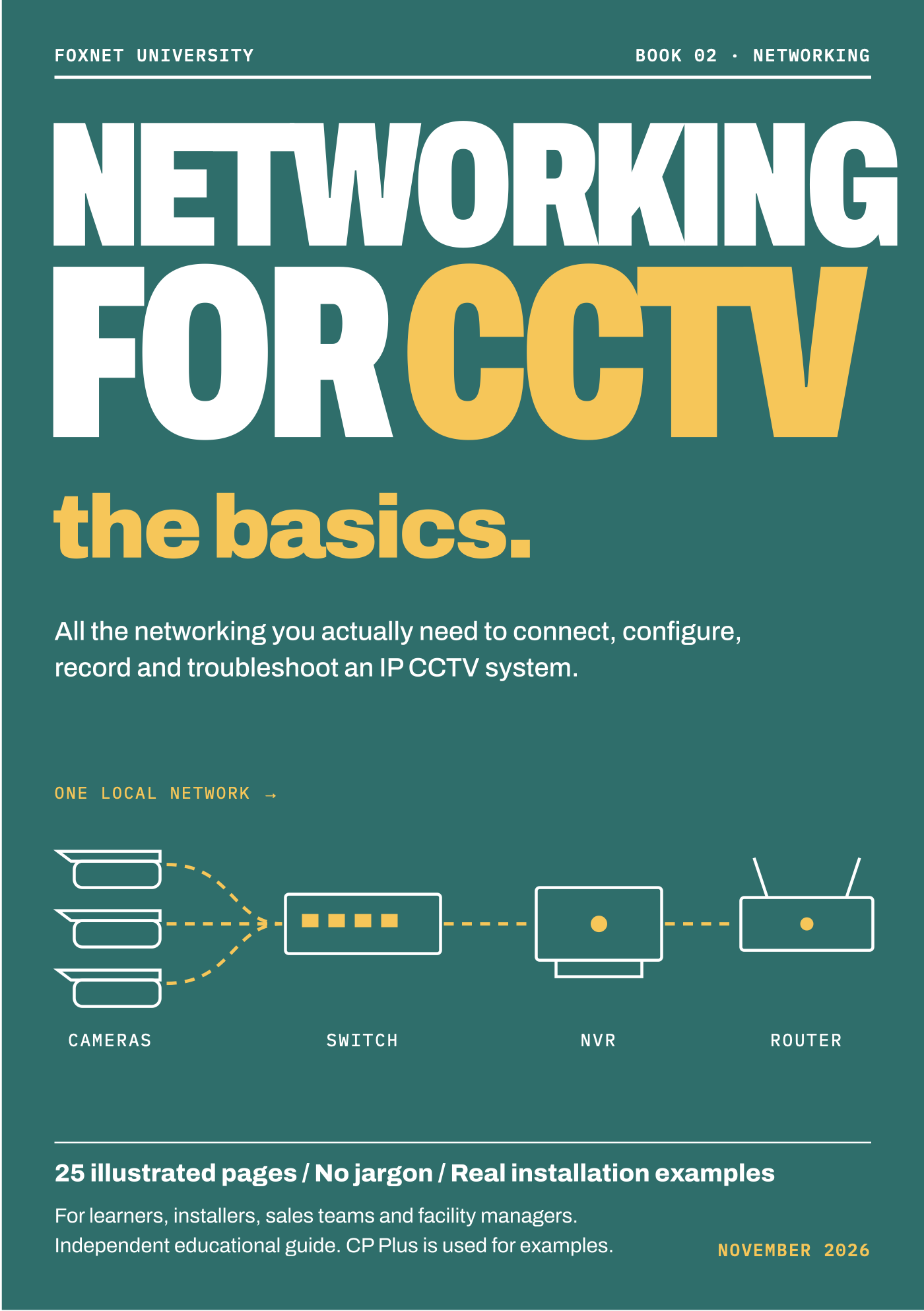
Networking for CCTV: the basics
All the networking you need to connect, configure, record and troubleshoot an IP CCTV system
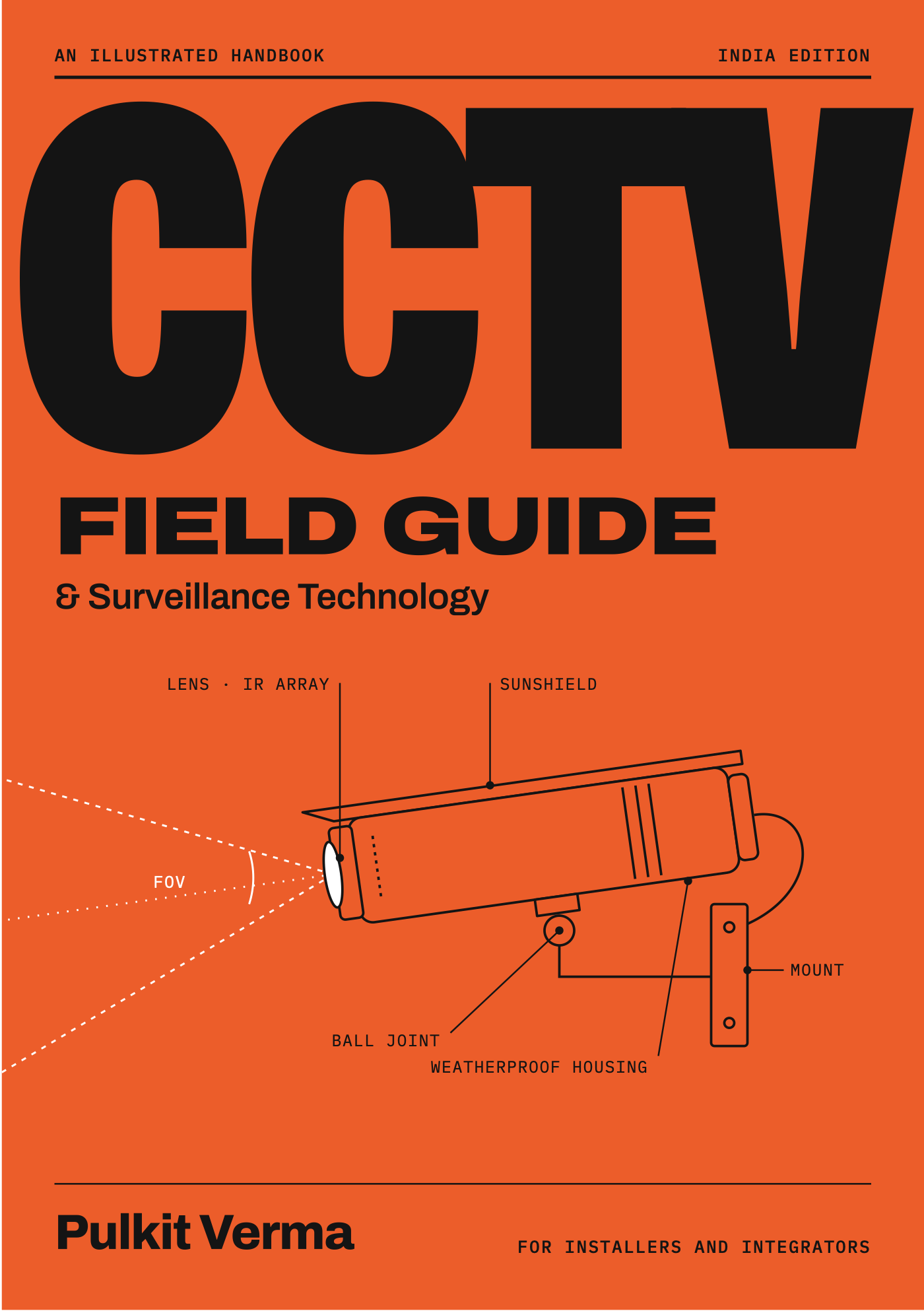
CCTV Field Guide & Surveillance Technology
An illustrated handbook for installers and integrators — India edition

Network Cameras Explained
A deep yet simple visual guide to IP camera technology
Training and engineer support
Get help from Foxnet
Get trained
Foxnet-led sessions on CCTV design, NVR/VMS configuration, commissioning and fault-finding, remote or at your site.
Book an engineer
A Foxnet engineer can look at recorder settings, disk health and network faults with you remotely, or visit when hands are needed.
Ask an engineer
Send a question with photos or logs and get a written answer from a Foxnet engineer, or a short call.
Foxnet-led training is delivered by Foxnet engineers. It is not official OEM-authorised training and does not lead to a manufacturer certification.
Foxnet Securitas
Need the work done?
Foxnet designs, installs and maintains these systems for sites across India.
- CCTV and surveillance installationSurvey, design, installation and AMC for IP video systems.
- Command and control centresVideo walls, VMS and integration of video, access, fire and BMS alarms.
Other topics
Access control
Doors, readers, controllers and locks: how they talk to each other, and how to find which link has failed.
WIN-PAK access control
Practical help for engineers and administrators looking after WIN-PAK sites: communication, controllers and the database that ties them together.
Fire alarm systems
How fire detection and alarm systems are put together, what the panel is telling you, and what a facility team’s job is — and is not.
Building management systems (BMS)
How a BMS talks to chillers, air handlers, pumps and meters, and how to find out why a point has stopped updating.
Public address and voice alarm
Paging, background music and evacuation messages: how PA and voice alarm systems are built, and where the life-safety line is drawn.
IT networking for security systems
The network under CCTV, access control and BMS: PoE power, IP addressing, VLANs, bandwidth and cabling done properly.
Talk to an engineer
Not sure which service fits?
Tell us what you are working on. A Foxnet engineer will point you to the right session, book or request — or tell you honestly if you do not need one.