
Access Control in 2026: From Keycards to Mobile Credentials
Mobile and biometric credentials are replacing legacy cards. We break down the trade-offs in security, convenience, and cost for enterprise rollouts.
On this page13 sections
The humble access card has served buildings well for decades — but it was never very secure. Cards are shared, cloned, and lost, and reissuing them across a large site is slow and costly. In 2026, most enterprises are moving toward credentials that live on the devices people already carry. This article looks at where access control stands today, how mobile credentials and biometrics compare with traditional cards, and how Indian facility and IT teams can plan a migration without disrupting day-to-day security.
Why legacy access cards are being retired
Many buildings still run on low-frequency proximity cards (often 125 kHz). These cards transmit a fixed number with little or no encryption, which means they can be copied with inexpensive, widely available readers. Even where newer smart cards are in use, the operational problems remain: cards are lent to colleagues, left in drawers after an employee leaves, and need to be printed, distributed, and tracked across every site.
None of this means cards are useless. A well-managed smart card system with encrypted credentials, prompt revocation, and regular audits still provides solid access control. The issue is that the credential is a separate physical object that people do not guard closely, and the administrative burden scales with headcount and the number of locations. If you are weighing card technologies against biometrics, our comparison of biometric vs smart card access control goes deeper.
Mobile credentials
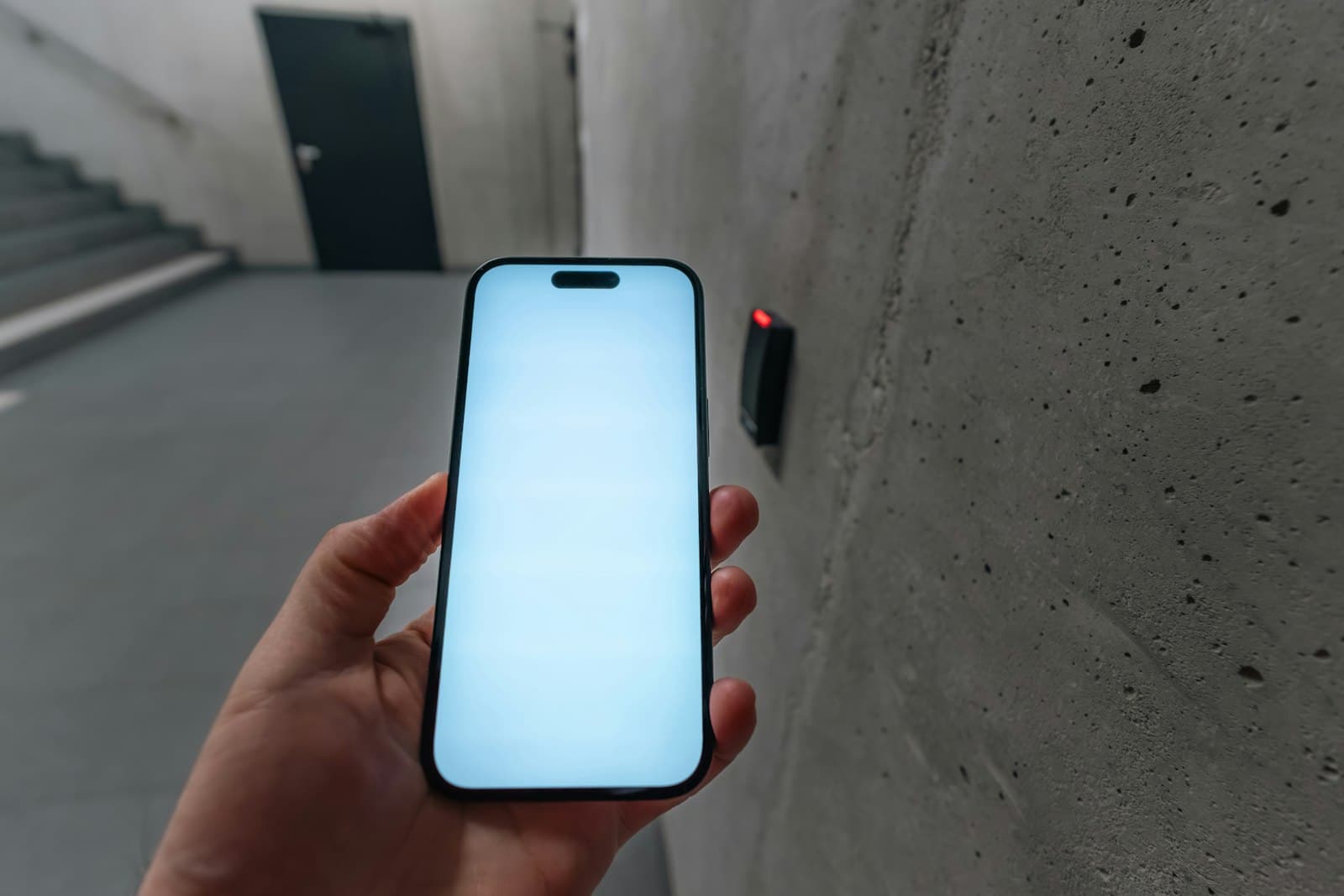
Smartphone-based access uses encrypted credentials and short-range communication to unlock doors. They're harder to clone than a card, can be issued or revoked instantly from a central console, and remove the logistics of printing and distributing physical badges. For multi-site organisations, that central control is transformative.
How they work
A mobile credential is a digital key stored in an app or the phone's wallet. When the user approaches a door, the phone communicates with the reader over Bluetooth Low Energy (BLE) or NFC. Depending on configuration, the user may need to tap the phone, hold it near the reader, or simply have it unlocked. Many platforms let administrators require the phone to be unlocked with a PIN or the phone's own biometric before the credential is presented, which adds a second factor without an extra reader.
Where they work well
- Offices and corporate campuses, where nearly every employee carries a smartphone.
- Multi-site organisations, where a single credential can be valid across locations and revoked centrally.
- Contractors and temporary staff, who can be sent time-limited credentials instead of collecting a card at reception.
- Visitor journeys, when combined with a visitor management system that issues a pass before arrival.
Where to be careful
Not every user has a suitable smartphone, and some sites (manufacturing floors, clean rooms, certain secure zones) restrict phones altogether. Battery drain, phone replacements, and app updates all create support tickets. Plan a fallback credential — usually a secure smart card — for people and places where phones are impractical. Also confirm that readers can support both phone and card credentials during the transition.
Biometrics, where they fit
Fingerprint and facial recognition add a layer that can't be handed to someone else, making them ideal for high-security zones like data centres and cash rooms. The right approach is usually tiered: convenient mobile access for general areas, stronger biometric or multi-factor checks where the risk justifies it.
Biometrics also carry obligations. Fingerprint templates and face data are personal data under the Digital Personal Data Protection Act, 2023, so you need a clear purpose, notice to users, sensible retention, and strong protection of the templates themselves. Prefer systems that store templates in encrypted form, and consider whether templates are held on the device, on a card, or centrally. Practical factors matter too: fingerprint readers can struggle with worn or dusty fingers in industrial settings, and face recognition performance depends on lighting and camera placement at the door.
Cloud or on-premise management
The credential is only one half of the decision; the other is how the system is managed. Cloud-managed platforms make central administration, remote updates, and multi-site rollouts simpler, while on-premise systems give more direct control over infrastructure and may suit sites with strict data-residency or air-gap requirements. Many enterprises end up with a hybrid. Our guide to cloud vs on-prem access control compares the two in detail, and if you are looking at a cloud platform specifically, the Brivo cloud access control buyer's guide covers what to evaluate.
Whichever model you choose, check how doors behave when the network or internet link drops. Controllers should continue to make access decisions locally and sync events once connectivity returns — an important point given the variable connectivity many Indian sites experience.
Planning a phased migration
Very few organisations replace every reader and credential at once. A phased plan protects day-one security while you modernise:
- Audit what you have. List every door, reader model, controller, and credential type, and note which readers can support mobile or newer smart credentials.
- Define access tiers. Group doors by risk — general circulation, restricted departments, high-security rooms — and decide the credential and factor each tier needs.
- Integrate identity. Link access rights to HR or directory data so joiners, movers, and leavers are handled automatically.
- Pilot first. Run mobile credentials on one floor or site with a mix of users, and track support issues before scaling.
- Run dual credentials during transition. Let readers accept both old and new credentials for a defined period, then retire legacy cards on a fixed date.
- Update policies and signage. Revise your access policy, privacy notices for biometrics, and lost-device procedures.
- Review regularly. Audit access levels periodically and remove rights that are no longer needed.
A partner with experience across access control deployments can help sequence these steps so that no door is left without a working credential during the changeover.
Frequently asked questions
Are mobile credentials more secure than access cards?
Generally, mobile credentials are harder to clone than legacy proximity cards because they use encryption and can require the phone to be unlocked. Their security still depends on the platform, reader configuration, and how quickly credentials are revoked. A well-configured modern smart card system can also be secure; the larger gains from mobile usually come from central management and faster revocation.
What happens if an employee's phone is lost or the battery dies?
The credential can be revoked from the central console as soon as the loss is reported and reissued to a new device. For flat batteries, some phones support limited NFC use in a power-reserve mode, but you should not rely on it. Keep a fallback such as a temporary card at reception.
Do we need to replace all our readers to move to mobile access?
Not always. Some existing readers can be upgraded, while older proximity-only readers will need replacement. A door-by-door audit will show which readers support mobile or multi-technology credentials and where replacement is needed.
Can we use biometrics for every door?
You can, but it is rarely necessary or proportionate. Biometrics add processing of sensitive personal data and can slow throughput at busy entrances. Most organisations reserve them for high-risk areas and use mobile or card credentials elsewhere.
Foxnet helps enterprises plan that migration in phases — protecting day-one security while modernising the experience for staff and visitors. If you are reviewing your current card system or planning a move to mobile credentials, talk to our team and we will help you map a migration path that suits your sites.
Related posts

How to Set CCTV Footage Retention Periods for Compliance
If a regulator, an insurer, or a customer asks for footage from six weeks ago, can you produce it? For logistics and warehouse teams, the answer hinges on one setting most operators...

Festive-Season Security in India: A Checklist Before the Rush
Festive-season security checklist for Indian retail, warehouses and offices: audit CCTV, scope temporary-staff access, and test alerts before the rush.

Notifier vs EST Fire Alarm Systems: How to Choose
If you are specifying a fire alarm system for a commercial building in India, the Notifier vs EST fire alarm comparison comes up almost immediately. Both are established, globally certified panel families...
Leave a comment